- Home
- Blog
- IT Governance,policy, Risk & Security
- Collibra Workflows - Explained with Business Scenarios

Collibra Data Intelligence Platform is a unified platform for data and AI governance. Businesses rely on Collibra to improve data quality, strengthen data privacy, and keep end-to-end data lineage across a complex data landscape.
Among its many capabilities, Collibra workflows play a significant role in leveraging data governance. They automate governance processes and enforce policies, ultimately enhancing business performance and regulatory compliance.
This Collibra workflow tutorial explores how to design, build, and manage Collibra workflows effectively and how they enhance data governance operations.
Table of Contents
- Collibra Workflow Explained
- Why are Collibra Workflows Crucial for Data Governance?
- Key Capabilities of Collibra Workflows
- How a Collibra Workflow Works?
- Starting a Collibra Workflow
- Building a Collibra Workflow
- Collibra Workflow Designer
- How to Start a Global Workflow?
- Collibra Workflows – Business Scenarios
- Frequently Asked Questions
Collibra Workflow Explained
Collibra workflows are essentially automated processes. A Collibra workflow consists of a series of steps that guide users toward achieving a specific data governance objective. Here, the step can be an activity, a decision, or a task.
Collibra workflows transform manual and ad-hoc processes into structured, reusable flows. They are instrumental in achieving efficiency, consistency, and compliance across a business's data landscape.
Besides, Collibra lets you use pre-built workflows and customise them based on your business needs.
| To gain hands-on expertise in implementing workflows and mastering data governance concepts, explore our Collibra training program designed for real-world applications. |
Why are Collibra Workflows Crucial for Data Governance?
Let’s take a look at the advantages of Collibra workflows in the following.
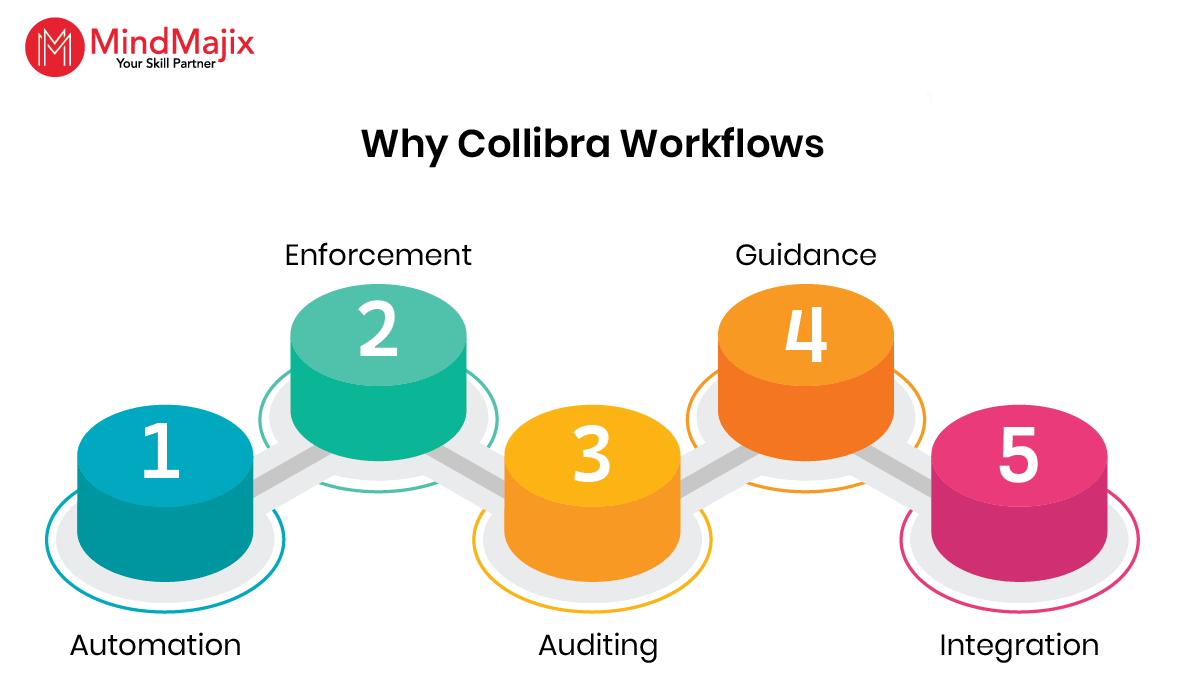
- Automation: Collibra workflows automate complex data governance processes. As a result, you can reduce manual efforts and errors.
- Enforcement: They help you strictly apply data governance policies, including enabling compliance approvals, examining data quality, and more.
- Auditing: They can log every decision, activity or task that happens within a workflow. This simplifies compliance and audit reporting.
- Guidance: They guide you step by step to ensure all required information is provided and approvals are completed properly.
- Integration: They can seamlessly interact with data assets and external systems.

In the next section, we will uncover the key capabilities of Collibra workflows.
Key Capabilities of Collibra Workflows
By using Collibra workflows, we can automate many business activities.
Let’s discuss some of the key Collibra workflow capabilities here.
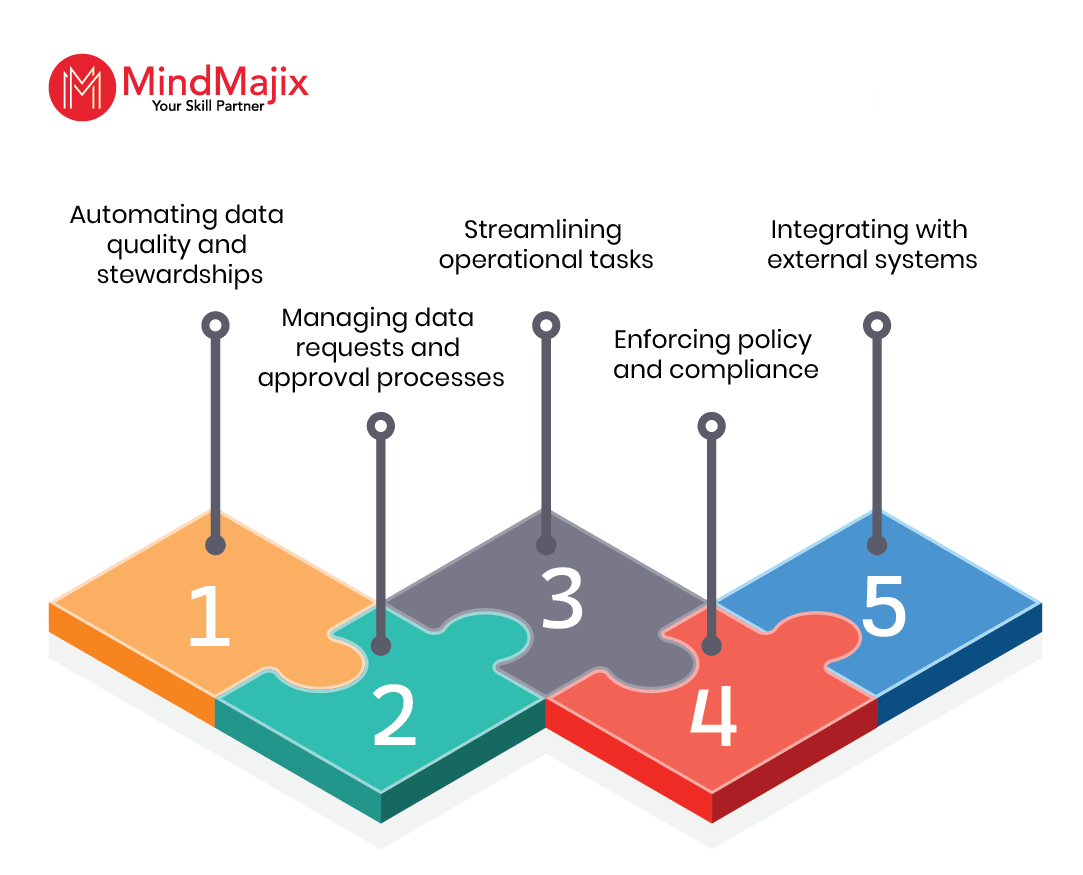
- Automating Data Quality and Stewardships: You can direct data quality issues to the right data stewards for resolution using Collibra workflows. You can also initiate data-cleansing processes and assign data-stewardship or ownership roles.
- Managing Data Requests and Approval Processes: Collibra workflows help make requests to access data assets and approve new data definitions.
- Streamlining Operational Tasks: You can send automated notifications or reminders with workflows. Moreover, you can update data asset properties in response to external events.
- Enforcing Policy and Compliance: Collibra workflows help ensure compliance with data privacy regulations, such as CCPA and GDPR, to protect sensitive data. They also help accurately manage data retention policies.
- Integrating with External Systems: They can trigger processes in external applications in response to workflow events. Collibra integrates with applications such as ServiceNow, Snowflake, Tableau, and Microsoft.
Collibra integrates with tools like Snowflake and Tableau—learn more about Snowflake architecture to understand this integration better.
We have gone through Collibra governance workflow use cases and its features so far. Next, we will understand how Collibra works.
How a Collibra Workflow Works?
Collibra workflows interact between users, the Collibra platform, and external systems or applications. Interactions occur through tasks, notifications, forms, and email.
Let’s see them in detail.
- Tasks – Tasks include specific actions assigned to one or more users
- Email Tasks – They are custom emails sent to users through workflows
- Forms – They are dialog boxes that let you provide information.
- Notifications – They are automated emails or messages that provide details about new tasks or changes to workflow status.
Starting a Collibra Workflow
You can trigger a Collibra workflow in three ways, depending on its configuration. Let’s take a close look at them now.
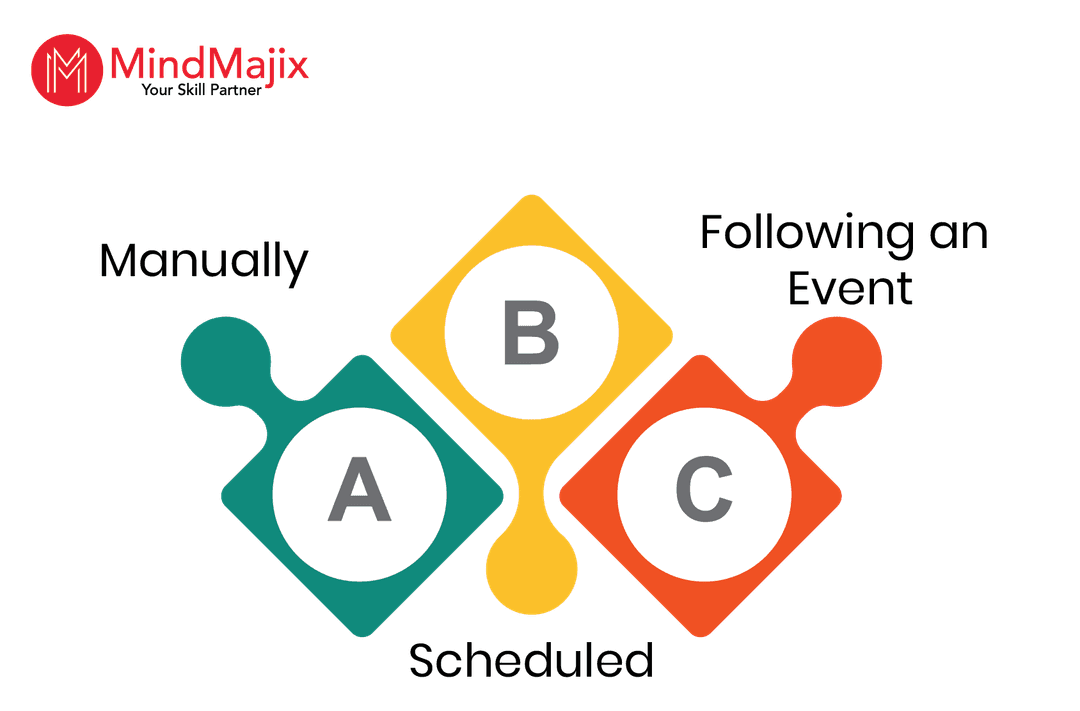
- Manually: You can trigger a workflow from a dashboard, an asset page, or using a Global Create button.
- Scheduled: You can configure workflows to run at specific intervals.
- Following an Event: A workflow starts automatically when a specific event occurs in the Collibra platform. An event can be one of the following:
- Creation of a new asset
- The addition of a relation
- A change in an attribute value
Are you wondering how Collibra workflows are built? Then, continue reading the blog.
Building a Collibra Workflow
Collibra workflows use the Business Process Model and Notation 2.0 (BPMN 2.0) engine to build, run, and manage complex processes.
We will look at the tools and elements used to build Collibra workflows.
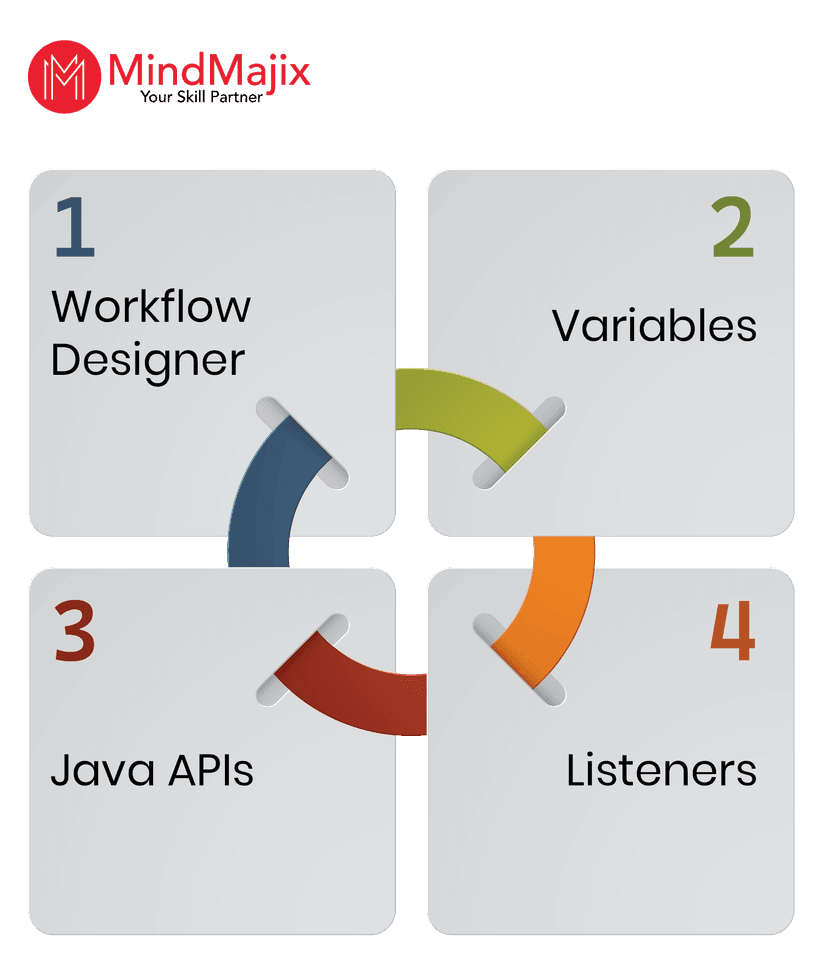
- Workflow Designer: Workflow Designer is a visual tool for designing and modelling workflows.
- Java APIs: You can connect Collibra with workflows using Java APIs. This allows workflows to:
- Read and write asset information, including attributes and relations
- Listen and respond to Collibra events
- Create, update, and delete assets
- Manage user permissions and roles
- Variables: You can use variables to store information used in a workflow.
- Listeners: Listeners are components that respond to specific workflow events to perform additional actions. The events can be:
- Workflow completion
- Task creation
After designing workflows, you can deploy them in the Collibra environment to configure and execute them.
You can also explore ETL processes to better understand how data flows across systems.
Now that you have learned about the workflow engine and other tools. Let’s dig deeper into the Collibra Workflow Designer in the coming section.
Also Read: What is Collibra
Collibra Workflow Designer
Collibra Workflow Designer automates business processes by building efficient workflows with powerful tools. It is fully integrated with the Collibra platform, enabling business and technical users to collaborate and build workflows in a single place.
Here are the key components of Collibra Workflow Designer.
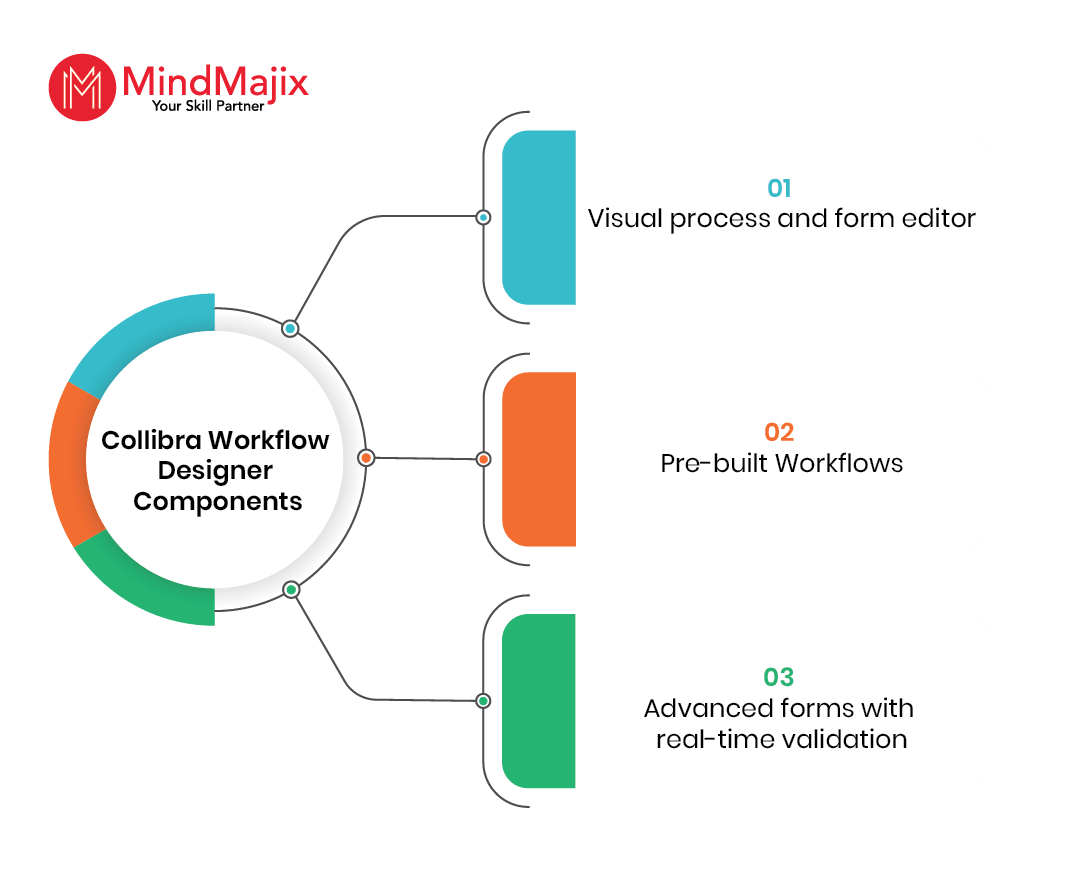
- Visual Process and Form Editor: It helps build new forms and processes quickly with a visual canvas and easy drag-and-drop feature.
- Advanced Forms with Real-time Validation: It allows you to build forms without scripting and to define component dependencies effectively. You can ensure that all relevant information is collected using the designer's real-time validation feature.
- Pre-built Workflows: The designer includes out-of-the-box workflows that can quickly automate processes.
Coming up is the hands-on part of the Collibra workflows tutorial. Let’s dive in!
How to Start a Global Workflow?
In this section, we will see how to start a global workflow.
You can start a workflow that is not linked to a data asset or domain from a dashboard or using the Global Create button.
A dashboard displays a set of workflows as a list of buttons, each labelled with the workflow name. On the other hand, the ‘Global Create’ button shows all the configured workflows.
- Prerequisites:
- You need a global role with the ‘Start Workflow’ global permission.
- You need to have one of the roles defined in the start workflow definition setting.
- Starting a workflow from a dashboard:
- In the Collibra platform, navigate through the workflow widget in the Collibra dashboard
- Identify the workflow that you wish to start from the list of curated global workflows
- Click the button relevant to the workflow
- Starting a workflow from the Create button:
- In the Collibra platform, click the ‘+’ button
- Then, the ‘Create’ dialog box will pop up
- Click the ‘Actions’ tab
- Navigate to the workflow that you wish to start
- Deploying a Workflow: You can deploy a Collibra workflow using the Workflow Designer. Collibra allows you to upload workflows in BPMN, ZIP, and BPMN 2.0 XML formats.
- Direct Deployment:
- Open a workspace in the Workflow Designer
- Select ‘More → Deploy’ for the app that you want to deploy
- Click ‘Deploy App’ for confirmation
- Finally, upload the workflow
- Manual Upload:
- Click ‘Settings’ on the main toolbar
- Now, the ‘Settings’ page opens
- Click ‘Workflow Definitions’
- Click ‘Upload a file’
- Select the workflow definition that you want to deploy
- Drag and drop your workflow in the upload section
- Direct Deployment:
Next, we will go through some real-time Collibra workflow business examples.
Collibra Workflows – Business Scenarios
In this section of the Collibra workflow tutorial, we will go through a few real-time examples for better understanding.
Scenario 1 – Data Access Approval Workflow Process:
Consider a scenario where you want to access data stored in a data lake. To access the data, you have to email the data owner and wait for approval. Instead, you can use a Collibra workflow to access the data.
The Collibra workflow has the following steps.
- You need to submit a data access request in the Collibra platform.
- The Collibra workflow directs the request to the data steward who governs the domain where the data is stored.
- The steward now examines the request and decides to approve or reject it.
- If the request is approved, it is forwarded to the data owner for final approval.
- Once final approval is complete, the workflow enables the system integration to grant you the required access.
- Finally, you will be notified about the approval.
Scenario 2 – Ask The Expert Workflow:
You have landed on a Collibra webpage that describes a data asset. You might have landed on this page through your business application, such as SFDC. You can raise a question about the data asset to an expert.
As it is a common question asked by many users, it may frustrate the expert. We can create a workflow to resolve this issue.
Let’s see how many different ways Collibra workflow can respond to this scenario.
- The Collibra workflow uses a mobile application to answer the question.
- If the expert has already posted the answer in the comments earlier, the workflow picks it up and directs it to you.
- If you ask the question via email, the workflow automatically picks up the email and responds to the question.
We hope that you have come across the various aspects of Collibra workflows in this beginner's guide.
Frequently Asked Questions
1. What is a workflow?
Ans: A workflow is a sequence of tasks, steps, or actions performed in a specific order to meet a specific business objective. You can validate, visualise, and monitor a workflow.
2. What is Collibra workflow automation?
Ans: Collibra Workflow automation is the process of automating repetitive manual tasks using Collibra workflows. Businesses can improve operational efficiency and compliance through Collibra workflow automation.
3. I have no technical background. Can I learn Collibra easily?
Ans: Yes, you can learn Collibra easily – no matter your level of technical expertise. MindMajix offers Collibra training with a comprehensive curriculum that meets the needs of both beginners and advanced learners.
4. What are the key products of Collibra?
Ans: Below are some of Collibra's key products.
- Data Intelligence Cloud
- Data Catalog
5. Does Collibra offer any certifications?
Ans: Yes, Collibra offers the following certifications for data governance aspirants.
- Collibra Data Steward Certification
- Collibra Integration Engineer Certification
- Collibra Workflow Developer Certification
- Collibra Solution Architect Certification
- Collibra Ranger Certification
6. What job roles can I apply for after learning Collibra?
Ans: You can apply for the following job roles.
- Data steward
- Data governance manager
- Data custodian
- Business analyst
7. Can I integrate Collibra workflows with external systems?
Ans: Yes, you can integrate Collibra workflows with external systems, such as IAM tools, ticketing tools, and data platforms, using APIs and connectors to enable end-to-end data governance.
Conclusion
In summary, Collibra workflows provide a structured approach to streamline data governance and intelligence operations extensively. We are confident that this article has given you comprehensive knowledge of Collibra workflows.
If you want to master Collibra workflows to leverage data governance across industries, you can register with MindMajix. At the end of the training, you will gain a strong understanding of Collibra and workflows, which will take your career to new heights.
 On-Job Support Service
Online Work Support for your on-job roles.

Our work-support plans provide precise options as per your project tasks. Whether you are a newbie or an experienced professional seeking assistance in completing project tasks, we are here with the following plans to meet your custom needs:
- Pay Per Hour
- Pay Per Week
- Monthly
| Name | Dates | |
|---|---|---|
| Collibra Training | Oct 31 to Nov 15 | View Details |
| Collibra Training | Nov 03 to Nov 18 | View Details |
| Collibra Training | Nov 07 to Nov 22 | View Details |
| Collibra Training | Nov 10 to Nov 25 | View Details |