- Home
- CRM Courses
- Microsoft Copilot Studio Training
Join the cohortGet instant access (self-paced)
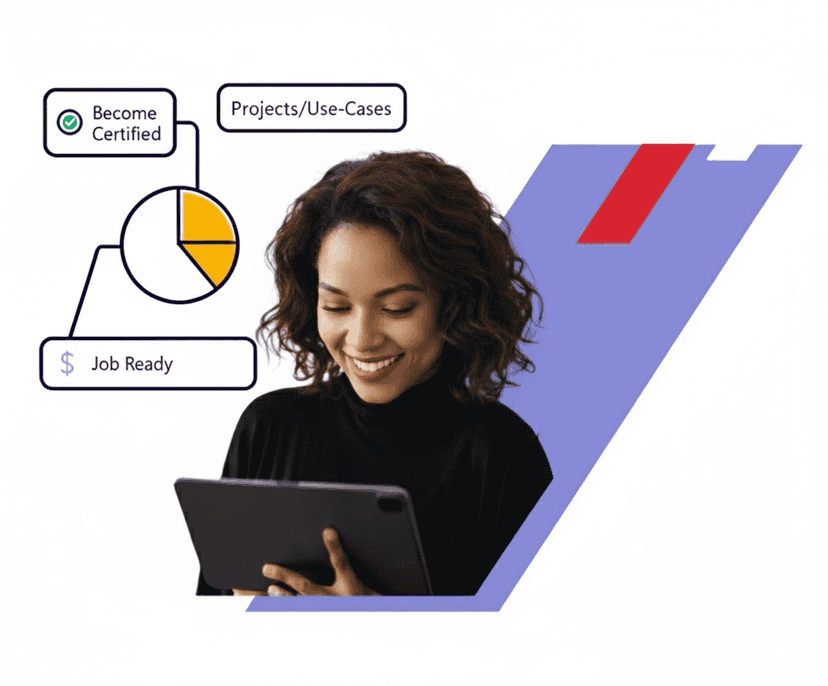
Real-time Use cases
24/7 Lifetime Support
Certification Based Curriculum
Flexible Schedules
One-on-one doubt clearing
Career path guidance
Microsoft Copilot Studio is a low-code platform that you can use to build, customise, deploy, and manage AI-powered copilots and agents.
Our Microsoft Copilot Studio training provides you with the hands-on skills to design, develop, test, publish, and manage AI agents. The training introduces you to the Copilot Studio interface, topics, knowledge sources, actions, and conversation flows.
You will gain hands-on skills in working with Microsoft 365 and agents. The training equips you to configure, troubleshoot, and manage Microsoft 365 services. You will learn to connect agents with Microsoft services and external systems, and use Power Automate flows to automate tasks.

Course Coverage
YOUR LEARNER JOURNEY - From Enrolment to Employment
Six guided stages take you from your first training class to your first offer — each one backed by a specific MindMajix support service.
Pick live online or self-paced, and set up a free Microsoft Copilot Studio Instance so you practice from day one.
Master Microsoft Copilot Studio concepts with 25 hrs of current-release content, applying every concept in hands-on labs and real-time projects throughout.
Clear the assessments for your shareable MindMajix completion certificate. Modules map to official Microsoft Copilot Studio exam topics for exam-aligned prep.
Turn skills into a profile recruiters notice — build an interview-ready resume and a strong LinkedIn presence using proven Microsoft Copilot Studio templates.
Walk in already rehearsed. Sit structured mock-interview rounds with experienced SMEs and get focused feedback on your Microsoft Copilot Studio skills and scenario questions.
Apply with confidence using job-search assistance and referrals to hiring partners across India & the USA. (Career support provided; placement not guaranteed.)
Start the journey today - choose the format that fits you.
Mindmajix’s Microsoft Copilot Studio course curriculum covers the key topics that will provide you with proficiency in building agents and generating insights. The training includes extensive hands-on practice with labs and real-time projects. The course content aligns with the latest capabilities of the Microsoft Copilot Studio platform.
Our Microsoft Copilot Studio Training course aims to deliver quality training that covers solid fundamental knowledge on core concepts with a practical approach. Such exposure to the current industry use-cases and scenarios will help learners scale up their skills and perform real-time projects with the best practices.
 Training Options
Both options cover the full curriculum and include most of the certification topics
Learn anytime, at your own pace — complete the course in weeks or months.

Get Pricing
Real-time classes with a certified expert — ask questions, get instant feedback, and walk away job-ready

07:00 PM ET · Weekend · Limited seats available

30 hrs · Live online · Recordings included
3 weekends · 30 hrs total
2 weeks · 30 hrs total
Need a different time? We offer and at any timezone. Contact a course advisor to set one up.
Empower your team with new skills to Enhance their performance and productivity.
Passing Microsoft Copilot Studio Training Quizzes & Assessment exams is mandatory to attain the Microsoft Copilot Studio Training Course Completion certificate
 On-Job Support Service
Our work-support plans provide precise options as per your project tasks. Whether you are a newbie or an experienced professional seeking assistance in completing project tasks, we are here with the following plans to meet your custom needs: